Waikato
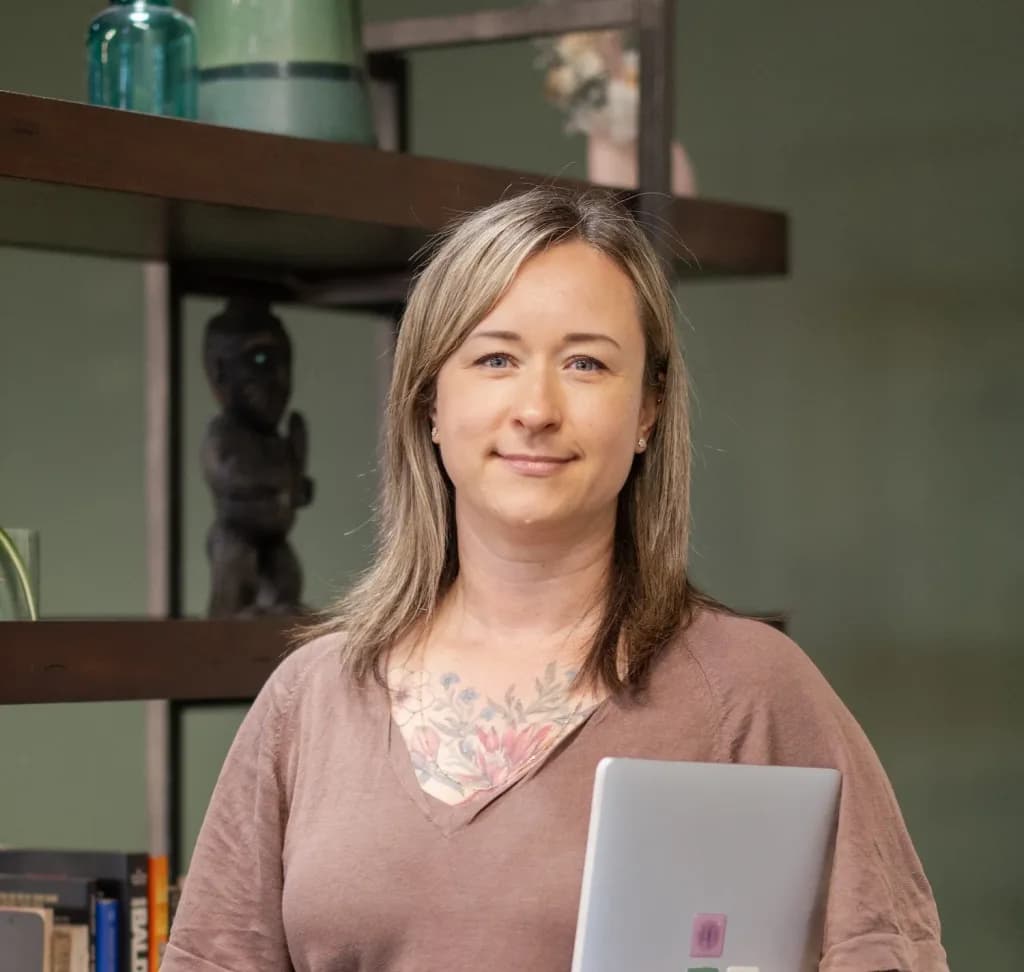
Tom D.
Brand Designer & Website Designer

Save hours on manual admin by automating workflows, integrations and notifications with a local Zapier automation expert who understands NZ business.
Waikato
Tom D.
Brand Designer & Website Designer

Auckland
Katy G.
Business Performance & Data Expert

Auckland
Liam B.
Webflow Developer

Auckland
Kate R.
Business Systems Consultant | Custom Internal Business Apps

Christchurch
Barbi L.
Wordpress Web Designer

Auckland
Karen R.
Shopify, Wordpress, Wix and Squarespace Design + Build
Zapier automation experts connect cloud apps and remove repetitive manual work so your team can focus on customer-facing tasks. They design, test and document no-code workflows that move data between the tools your business already uses.
Automatically send web form responses to your CRM, add tags, and route high-value leads to the right salesperson without manual copy-and-paste.
Keep orders, customers and stock information flowing between your shop, inventory system and accounting package to reduce reconciliation work.
Generate daily or weekly performance snapshots, send Slack or email alerts for exceptions, and create records in spreadsheets or Airtable for auditing.
The freelancer profiles shown below are examples of specialists in our network. If you see a likely fit, create a short project brief — relevant freelancers can apply, you review applications, and Unicorn Factory makes requested warm introductions.


Brand Designer & Website Designer

Business Performance & Data Expert

Webflow Developer

Business Systems Consultant | Custom Internal Business Apps


Wordpress Web Designer

Shopify, Wordpress, Wix and Squarespace Design + Build

Data, Analytics and AI Consultant
Digital Marketing, Meta & Google Ads Specialist
Below are real projects completed by freelancers in the Unicorn Factory network. Each card shows the supplied project title and summary.

 Connor F.
 Rahul K.
 Stephen J.
 Connor F.
These scopes are typical starting points you can brief. Each one is illustrative — final scope, tools and pricing are agreed with the freelancer.
From form to sales-ready record: capture leads, normalise fields, enrich with simple lookups, and route qualified leads to your CRM or Slack channel.
Synchronise new orders, customers and fulfilment status between your store, order management and accounting system to reduce manual entries.
Collect metrics from sales, ads and support apps into a single source for reporting and daily summary notifications.
We do the legwork of briefing and finding people, then step back so you work directly with the Zapier specialist you choose.
Share your project, the help you need, and any timing or budget you have in mind.
Review interested freelancers and their work. Choose who you want an introduction to.
Agree the scope, timing, and price with your freelancer.
Indicative NZD ranges to help you budget. Final price depends on complexity, integrations, data volumes and ongoing maintenance.
Projects fromNZ$400
Single-form to CRM flows, simple notifications or one-off zaps that take a few hours to a couple of days.
Projects fromNZ$1,200
Multi-step workflows, several app connections, data transformations, and initial testing and documentation.
Projects fromNZ$5,000
Larger programmes of work linking multiple systems, custom webhook handling, complex routing, and a handover package.
Freelancers quote after reading your brief. These move the price most.
Estimates are indicative and will vary by freelancer and scope. NZ$ ranges may exclude GST and ongoing software or platform fees (for example Zapier subscription tasks). Zapier may apply GST unless you add your New Zealand GST number to the Zapier account. Final scope and rates are agreed directly with the freelancer; request a tailored quote when you create your brief. Updated July 2026.
Answers to the questions clients commonly ask before starting a brief.
Small automations can be delivered in a few days; medium work typically takes one to three weeks; larger programmes can take longer depending on testing, integrations and stakeholder checks. The freelancer will confirm timing in their proposal.
Yes. Most automations require a Zapier plan and task usage; freelancers usually advise whether you should use your own account or the freelancer’s during scoping. The pricing estimates above do not include Zapier subscription or per-task charges.
Choose by the apps you use, task volumes and long-term cost. Zapier supports thousands of apps and is good for many no-code workflows; alternatives like Make (Integromat) or n8n can be cheaper at high volumes or for self-hosting. Ask applicants to explain trade-offs in their proposal.
Create a project brief, relevant freelancers apply, the business reviews applications, and Unicorn Factory makes warm introductions. You then review proposals and agree scope, price and timelines directly with the freelancer.
Ask applicants for examples of similar work, how they handle credentials (secure storage and least privilege), their testing approach, and what monitoring they recommend. You can also request references or a short pilot engagement before committing to a larger project.
Create a brief describing what you want automated and the tools you use — relevant Zapier freelancers will apply and Unicorn Factory will make warm introductions.